
Memory bank and the many failures of GenAI engineering
Part 3. Bumpy ride but manageable with the right tooling.

Welcome to the 3rd installment (part 1, part 2) of assessing GenAI engineering vibe coding with Cline and top AI models.
The overall theme of the last week was: a bumpy ride but manageable with the right tooling.
is not quite ready to give up on GenAI assistants. I'm right there with him—even as I'm finding more points where AI fails, I'm simultaneously discovering drastically different workflows that lead to better compliance (more on that in “memory bank“ below).One hit, one miss.
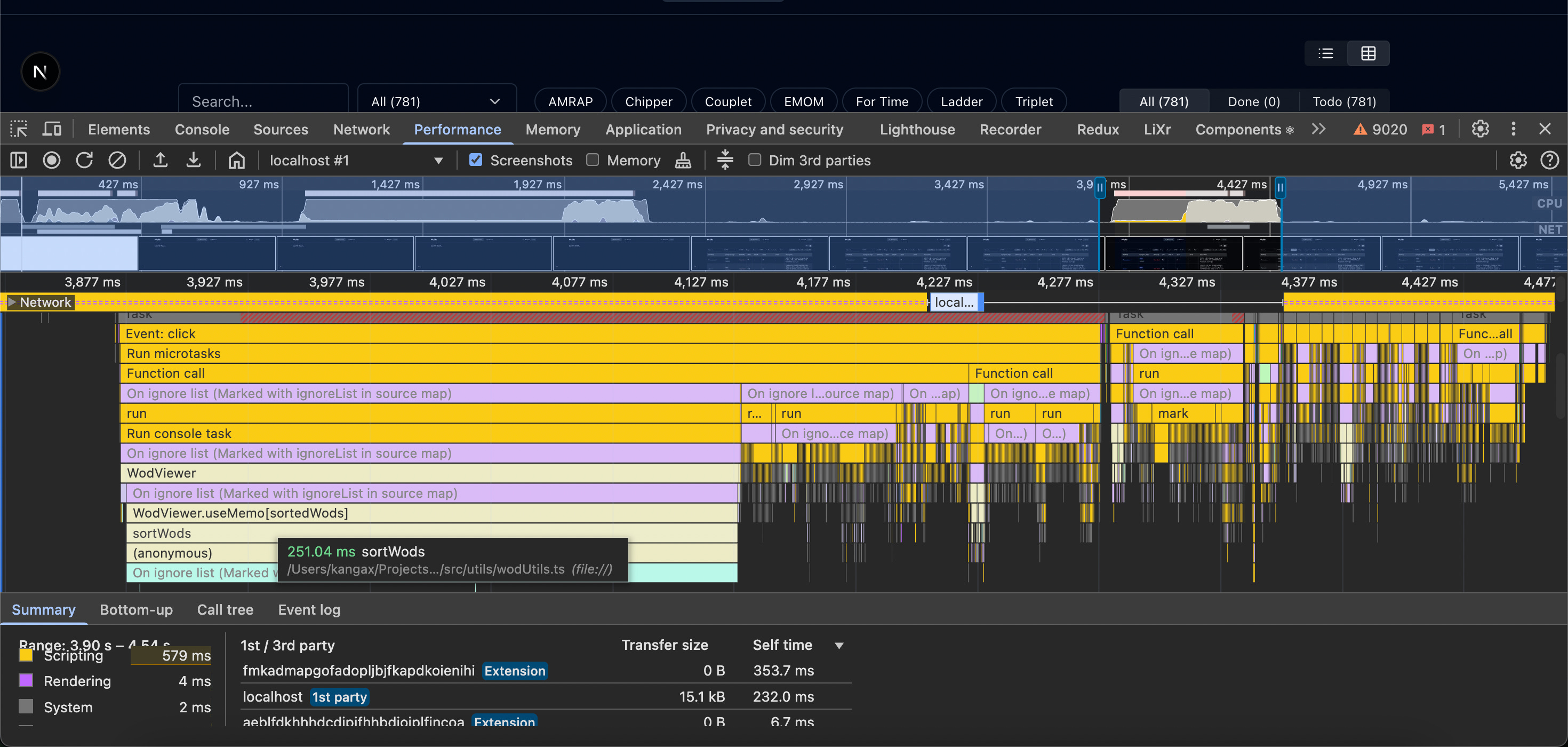
Tasks that were easy: adding basic Discord auth, table search with highlighting, UI performance tweaks. The performance challenge specifically involved a table of ~800 entries with noticeable lag during sorting/filtering (INP almost 1000ms). Gemini 2.5 Pro initially suggested memoizing sorted arrays, which barely helped. When I hinted that rendering was likely the bottleneck, not JS sorting, it quickly pivoted to extracting inlined components and preventing unnecessary re-renders—making a huge difference. I was disappointed it didn't suggest component caching first, but it redeemed itself minutes later by recommending table virtualization to render only visible chunks at a time.
It’s your choice to use AI as your minion or as a learning partner
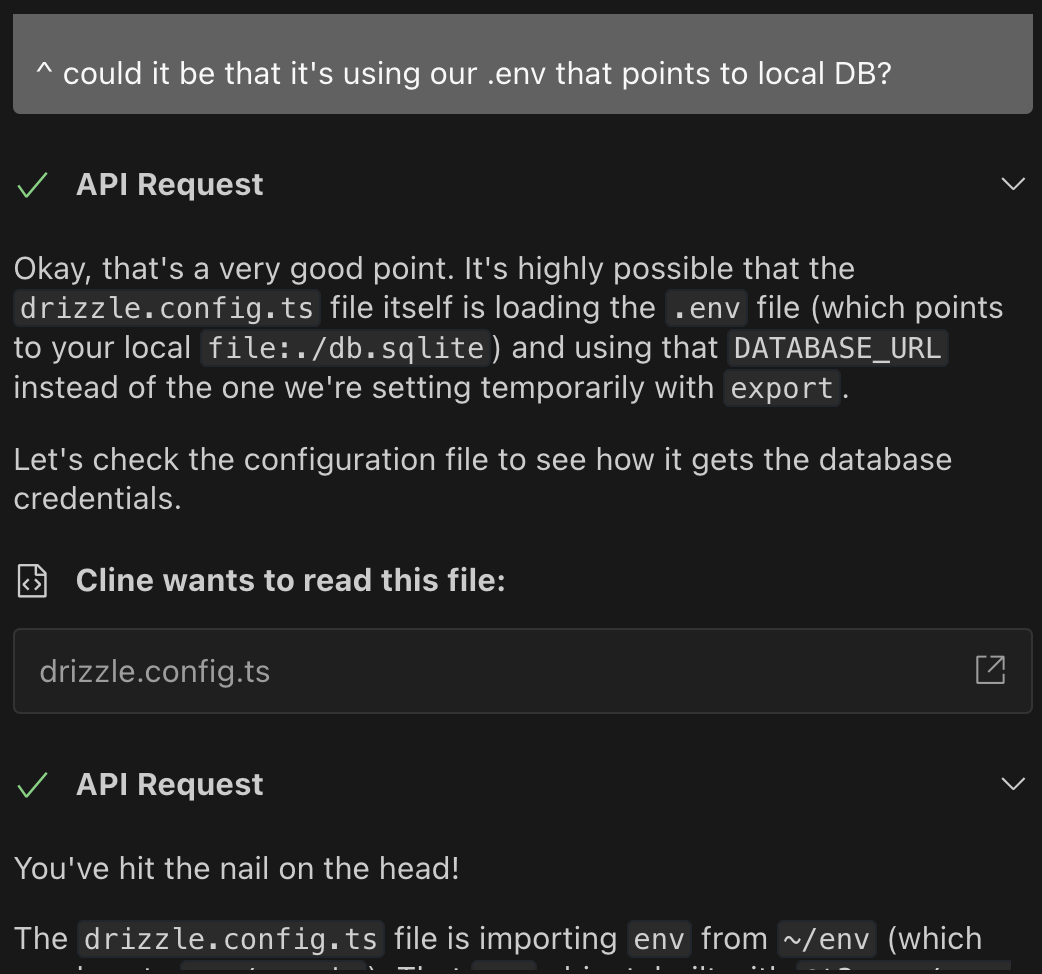
The next big task was migrating from a simple JSON file with combined workout and score data to a database with separate tables. This took hours, not minutes. AI struggles when moving from self-contained components to systems spanning client/server. Though it mostly fixed corrupted migrations itself, I still needed to manually piece things together—setting up Turso, securing production data transfers, configuring Vercel keys—with several rounds of error log troubleshooting before everything worked.
The rise of full-stack assistants
I watched Theo’s stream the other day where he tasked various full-stack AI services with creating a party planner app. Could any of them wire backend so that there’s a working auth (via sign-in/sign-up forms)? All of them — lovable.dev, bolt.new, firebase.studio, and v0.dev — failed spectacularly. You’d have these beautiful pages and absolutely no awareness of how an entire system functions as a unit:
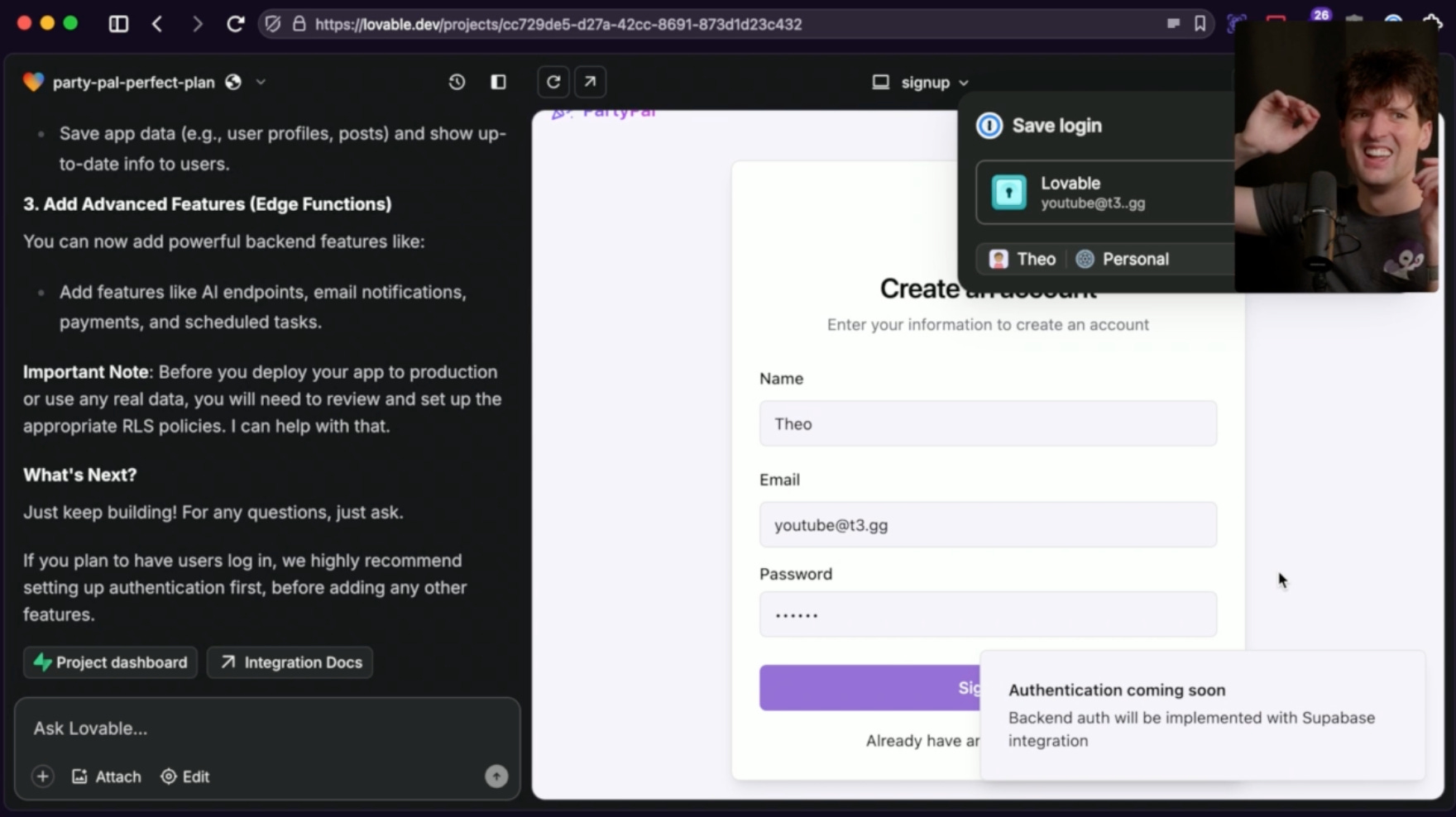
My experience was all too similar to his. It’s exciting that there’s so much exploration in this space but we’re just not there yet. My prediction is that with enough training, these full-stack studios will eventually start producing more coherent solutions.
Memory bank
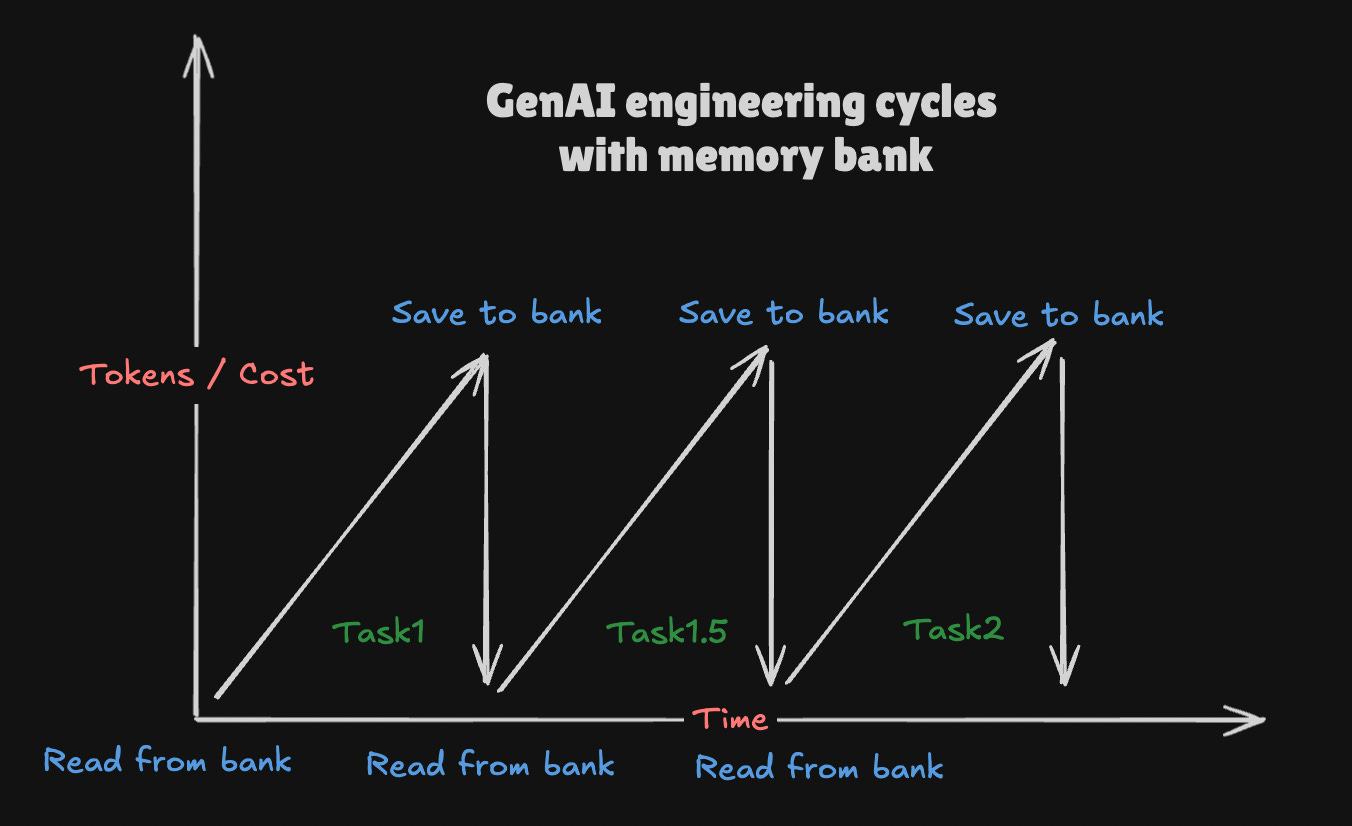
Alright, on to the most important discovery. Memory bank is a neat trick folks came up with to create persistence in your AI model. Kinda like how servers use cookies to identify users via sessions since HTTP requests have no memory or association with each other. Not only that, but memory bank allows to:
avoid ever-growing (and ever-expensive) context windows!
create meta-level information about your project that either:
can’t be inferred at all (e.g. goal of the project, past architectural decisions)
can’t be inferred without reading a large graph of files
I was skeptical at first — duplicating info about a project that can be “easily” derived is a recipe for disaster! Turns out AI models are just like us; would you rather read a one-pager / README of a giant project or manually dig through entire codebase trying to piece how everything fits together? AI is certainly capable of doing the latter, but we live in the world where tokens cost money, and sometimes your liver.
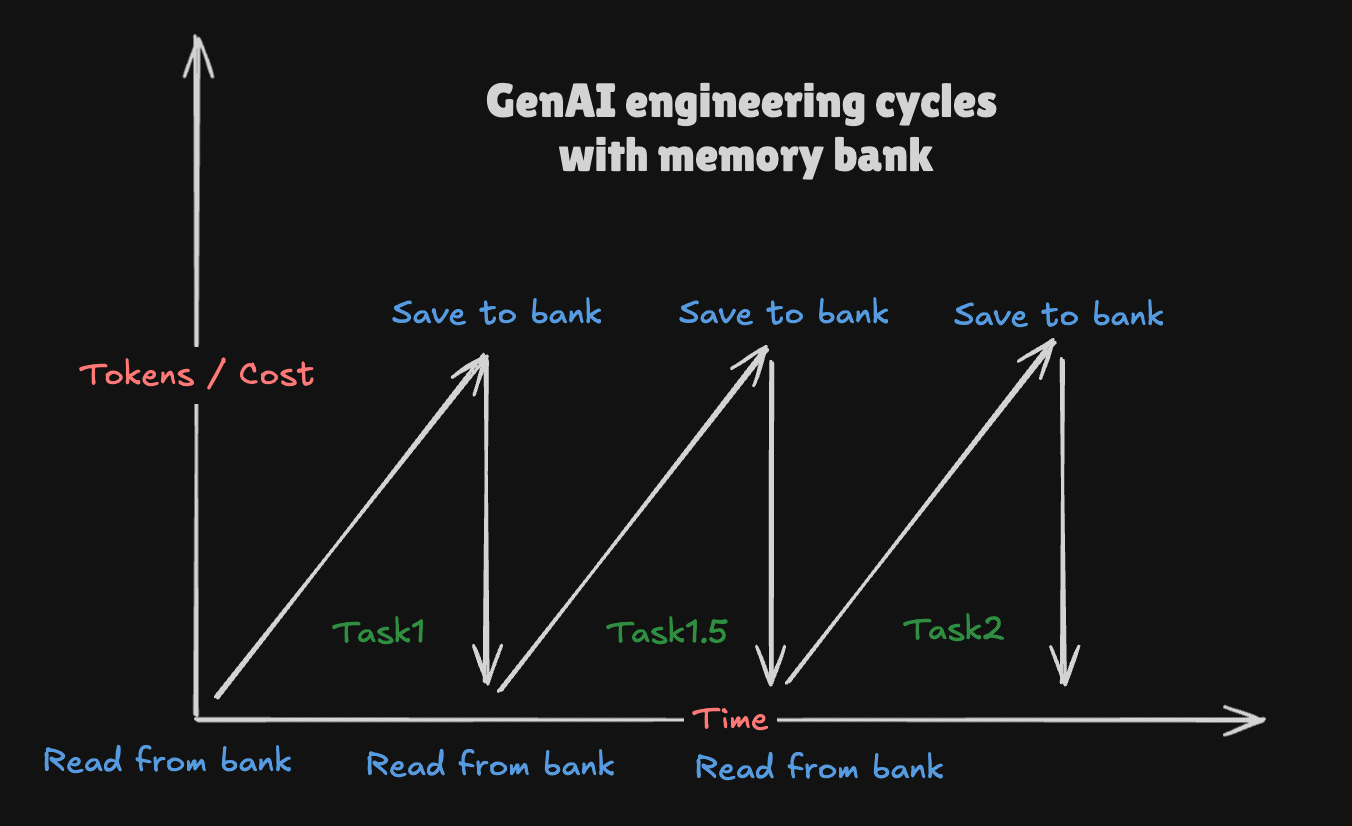
This means following a diligent process of always reading from and always writing to your memory bank before and after each task. Here's why it matters: I removed a "date" column in the UI (the task either became too costly or got stuck). We made sure to document this change in the memory bank. Later, when fixing broken tests, without consulting that memory, AI might've wrongly added the date column back—which almost happened when one model skipped reading the memory bank. Once I reminded it to check, it immediately realized the tests needed fixing, not the UI.
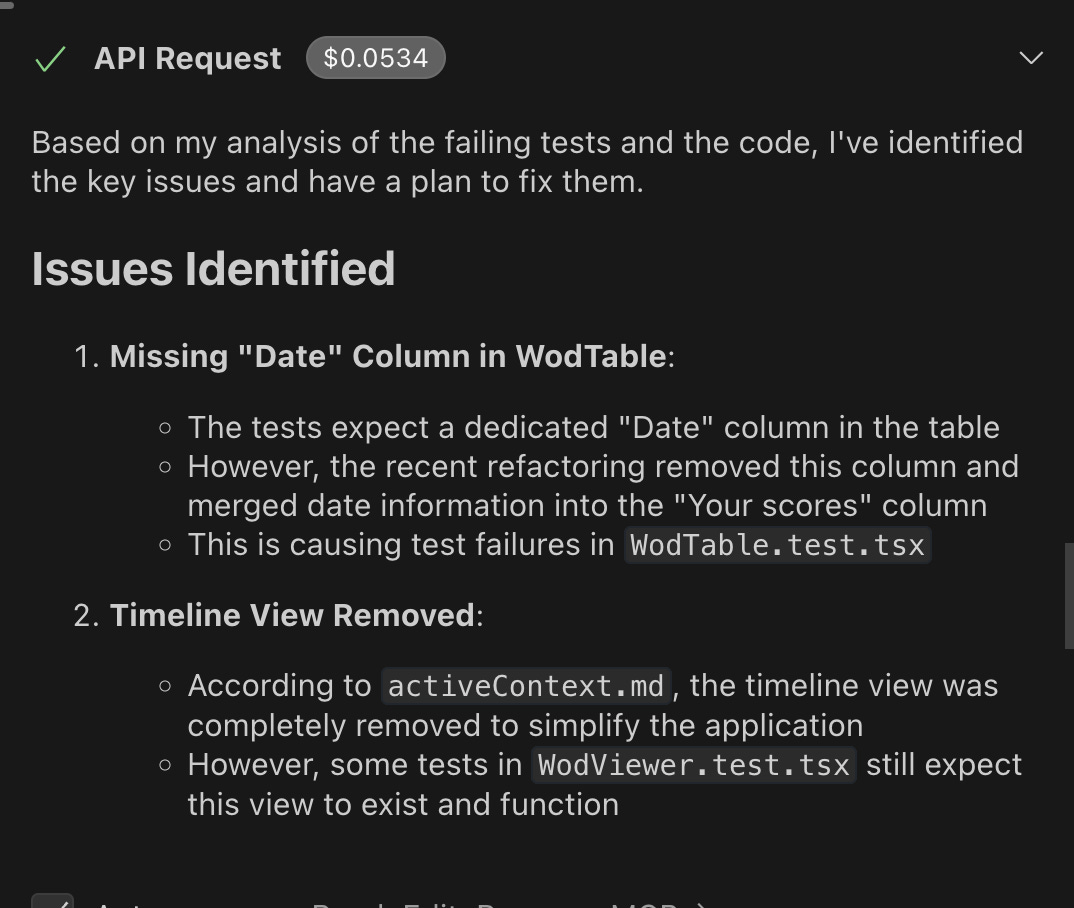
Since I started using memory bank, AI is a lot less likely to get confused. I only wish I started earlier, ideally from the first commit. It also helps curb token costs since you can break your tasks into small chunks that are all done from scratch. I noticed that even cheaper AI models perform better as they have a clearer picture of your project and all the changes/decisions that happened in the past.
The downside of memory bank is extra cost upfront for each of your smaller tasks. Cline needs to send and understand each of the techContext.md ($0.0148 on Claude), systemPatterns.md ($0.0211 on Claude), activeContext.md ($0.0369 on Claude), and so on with increasing cost as the context window grows. The idea is that the final cost of completing a task is less than it would be if you hadn’t provided —and paid for—that context.
Similar tools I’ve come across: this task master for Cursor which breaks massive PRD’s into small, concise tasks.
The many dollars of Gemini
Now that Gemini 2.5 Pro is out of experimental phase…
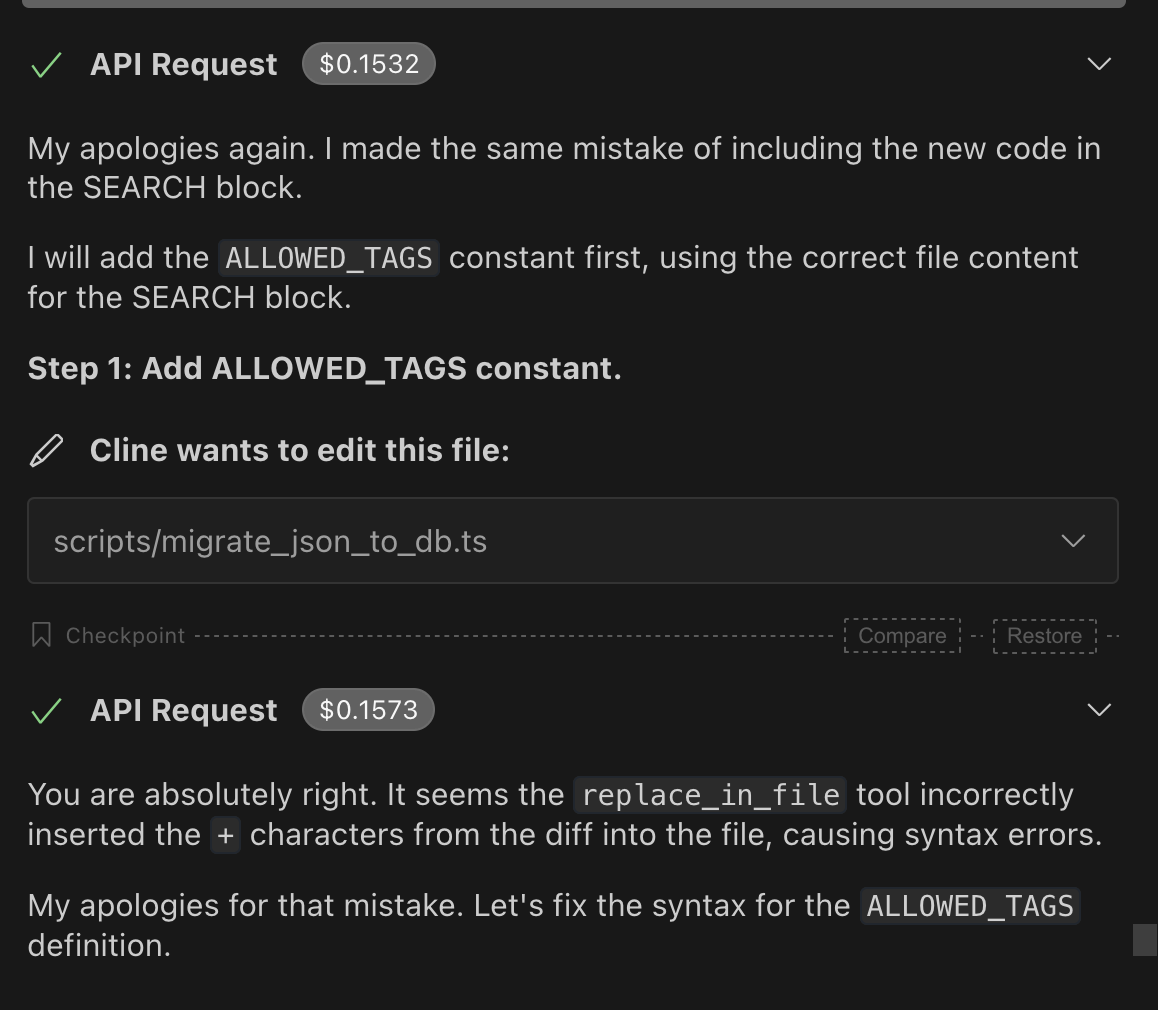
I accidentally $50+ in the first day of its use. Constant `replace_in_file` issues were surely one of the reasons. Gemini is still one of the best models for Cline but, while technically twice cheaper than Sonnet, anecdotally it somehow tends to rack up way more tokens way quicker, resulting in higher daily usage (~$20-30 on Claude vs ~$50-60 on Gemini). This could be lack of caching.
In other news, switching back to Claude 3.7 made me realize how slow it is comparing to Gemini. I think Anthropic’s infra isn’t great and you can certainly feel it.

I also gave Quasar Alpha a shot and it was somewhere between Gemini 2.0 and Deepseek in its capabilities — not great. It is free, though, but I don’t imagine myself using it when DeepSeek can perform better and is almost free.
A surprisingly decent free model was deepseek-chat-v3-0324 (via OpenRouter). I’ll need to experiment with it a bit more:
[…] demonstrates notable improvements over its predecessor, DeepSeek-V3, in several key aspects.
It didn’t make many mistakes but it was quite slow to respond and perform tasks.
UI struggle bus
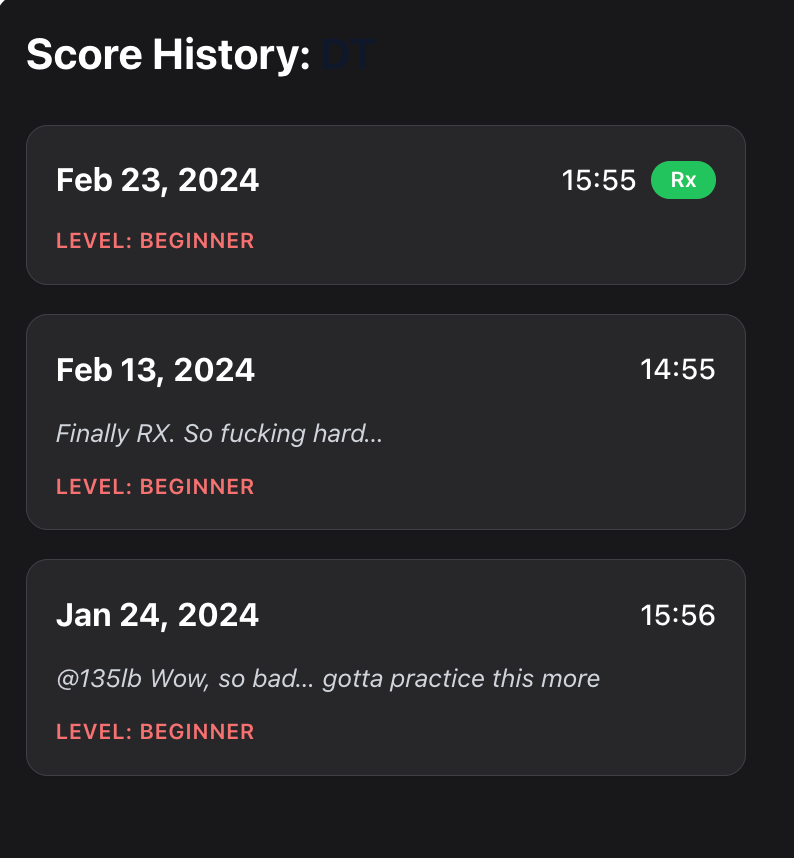
I still find myself struggling a lot with mapping prompts to good UI outcomes. I’m not sure what Claude was “thinking” when it spit out a ScoresHistory dialog like this. It’s as if it had no understanding of any of the basic concepts of design — spacing, text size, contrast… separation of entities. Perhaps I need to look through some of these.
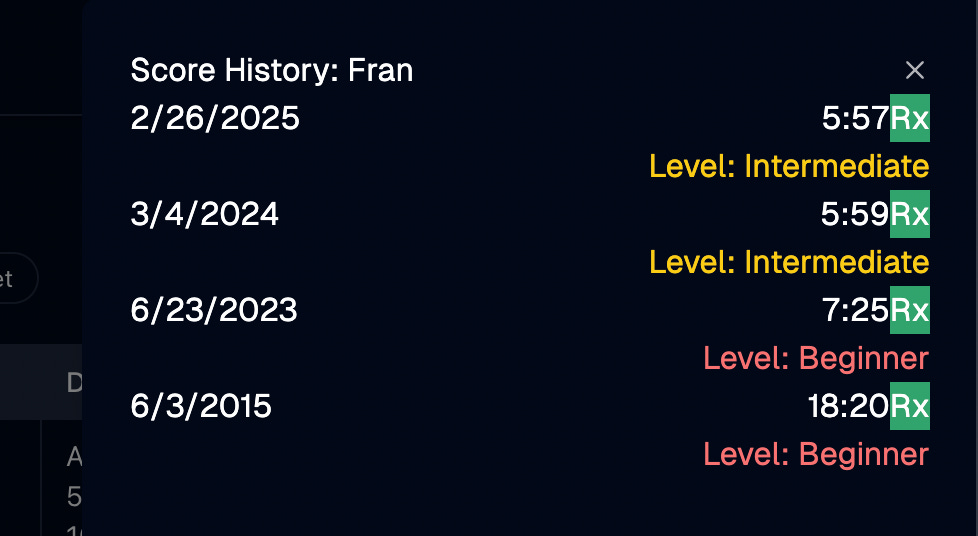
Out of curiosity, I fed this image to a standalone ChatGPT and it was able to create a decent looking component right there in the prompt, using React, tailwind and RadixUI:
In the next post I’ll update you on how things progress with other key tasks: switching to BetterAuth, adding score logging, and potentially exploring responsive/mobile-friendly design.